Recative / Interactive Video Engine
Publishing one lesson meant splitting audio out of each video by hand, uploading images through the cloud storage console and pasting every URL into code. Recative grew out of the player I re-architected for Playground. I designed Recative Studio, the desktop tool its content team used to tag, version and publish every lesson, and wrote most of the system around it.
I made every Steam release by hand
The content team spent their days doing work the computer could do.
Playground’s player had been re-architected so that every lesson ran on the same layers. Publishing a lesson was still manual. Audio had to be split out of each video, images went up through the cloud storage console, and every URL was pasted into a program’s code. Each new platform repeated the whole routine.
I made each Steam release myself, so I knew how long it took. Recative Studio became the desktop tool that took this work off the content team, and the player layers underneath it became the Recative packages.
Before6 steps by hand
- Split the audio track out of every video by hand
- Upload video and audio separately
- Upload images in the cloud storage console
- Paste each URL into the program’s code
- Export SQL or re-upload for every other platform
- Scrape every URL and repackage for each Steam release
After3 steps by hand
- Drag the files into the resource manager
- Fill in the few tags it cannot work out
- Press publish: CDNs, offline packs, Steam and Android builds
How the player was re-architected, in the Playground case study
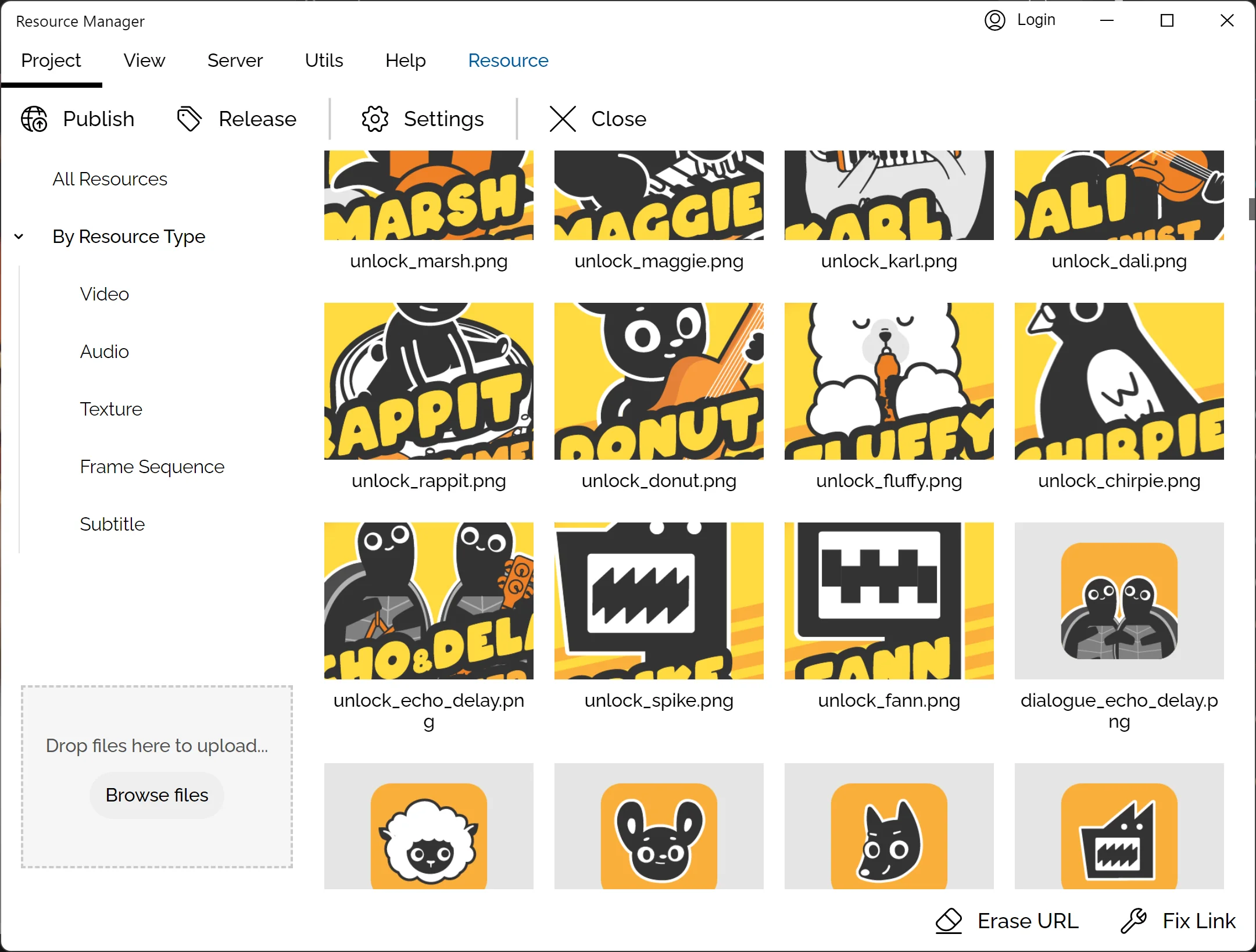
the Resource Manager in Studio
Every file carries tags, and the lesson asks for a group.
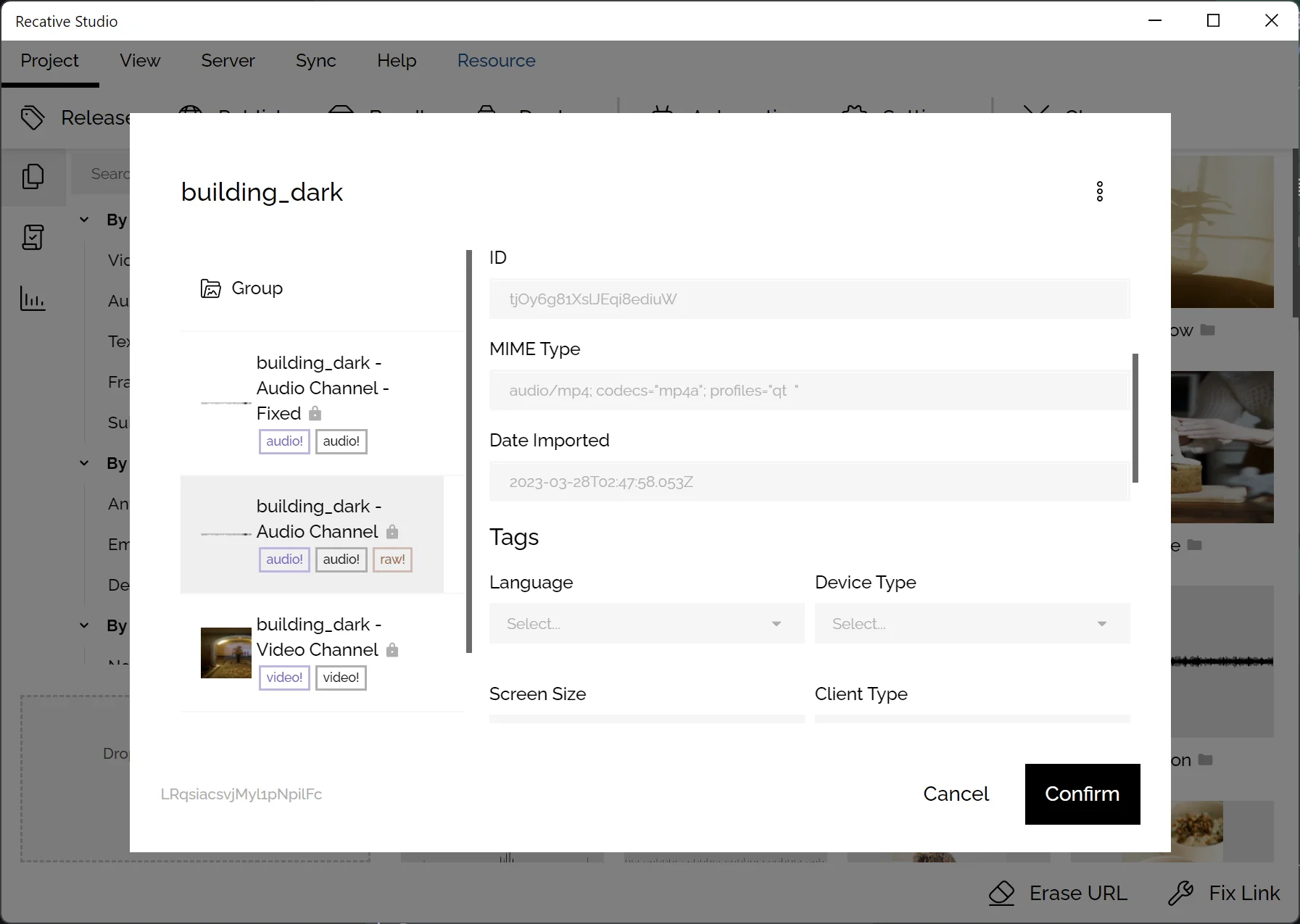
In the Resource Manager, every video, sound and image is a file with tags for language, device type, screen size and client type. Files that serve the same purpose form a group. A lesson asks for the group by name, and a selector picks the file that matches the learner’s language and device.
Authors drop files in and fill in only the tags Studio cannot infer. Developers stopped writing language and platform branches in lesson code.
One imported video, as Studio stores it.
Channels split on import
The content team used to separate audio from video by hand. Studio splits an imported video into its video and audio channels and keeps them in one group.
Tags drive the choice
Language, device type, screen size and client type are ordinary tags. A selector scores each file in the group by its tags and returns the best match.
Try the selector
The lesson asks for title_card and receives title_card.en.tall.webp.
The content model the tags sit in
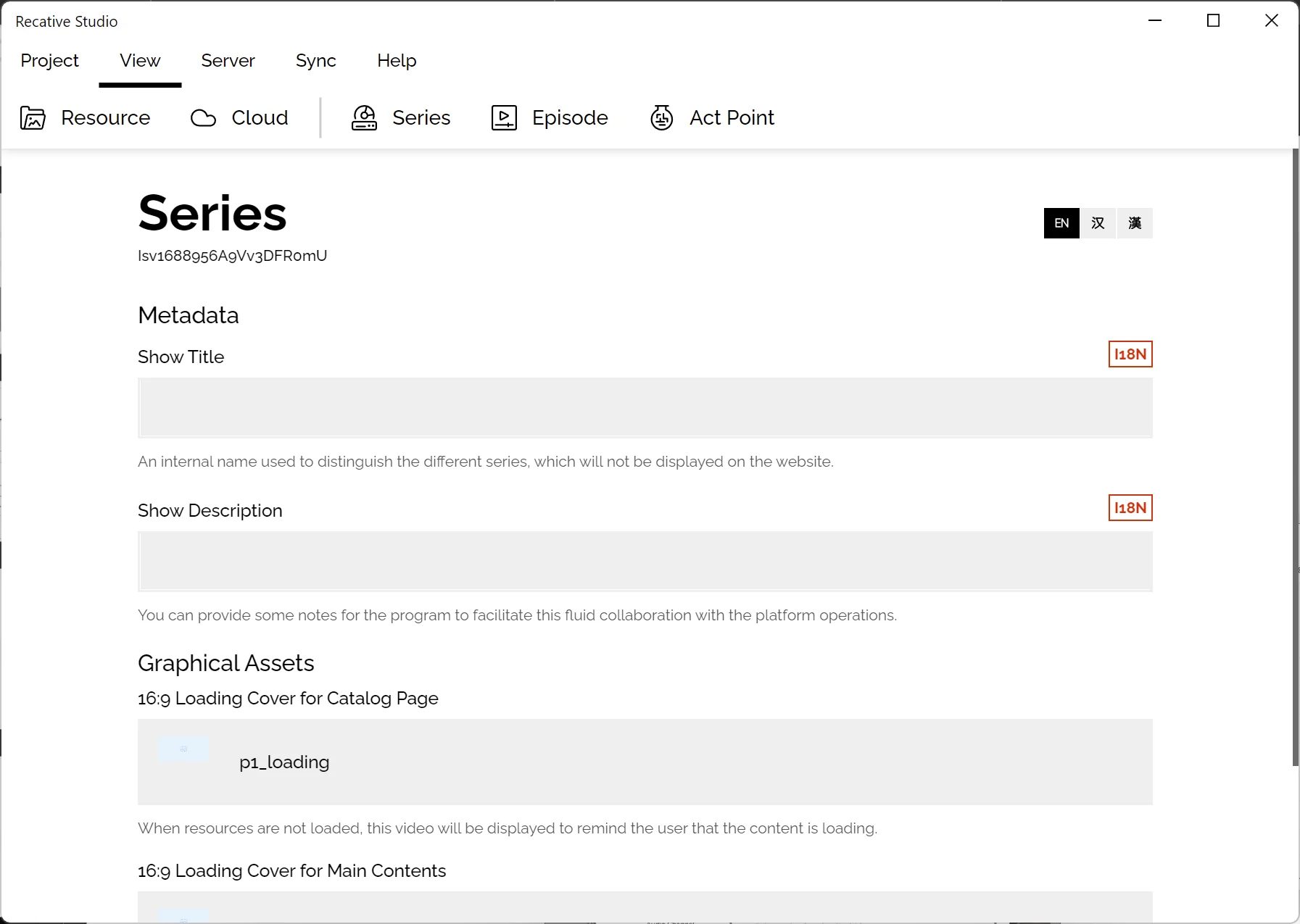
Series metadata in Studio, with the View menu open.
- SeriesA course, with its title and description in English and in Mandarin, in both simplified and traditional script.
- EpisodeOne lesson: a sequence of videos and interactive programs that load and unload together.
- Act PointAn interactive program inside an episode, built and versioned as code.
read off the Publish screen
Media and code are versioned separately, so each team ships on its own schedule.
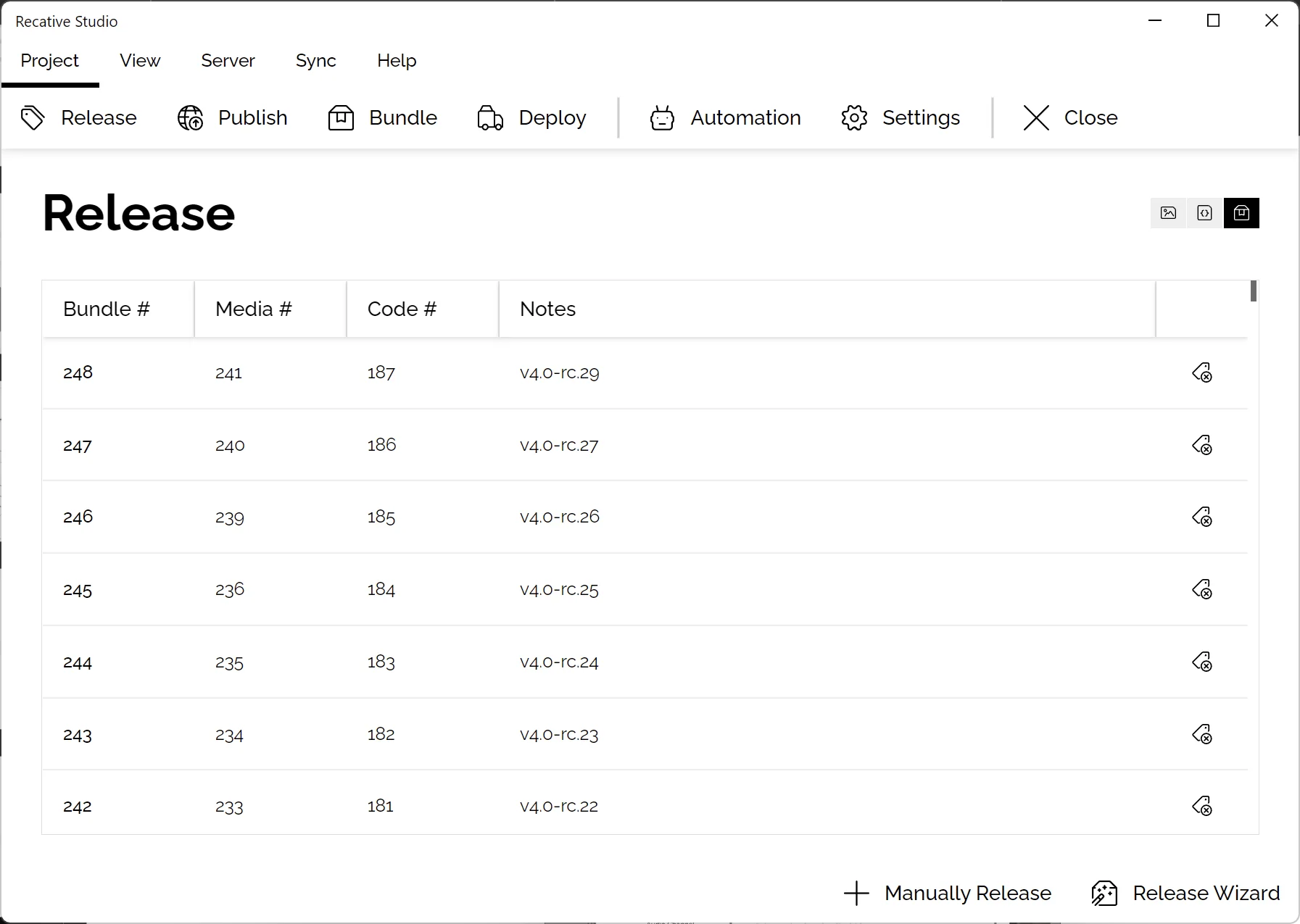
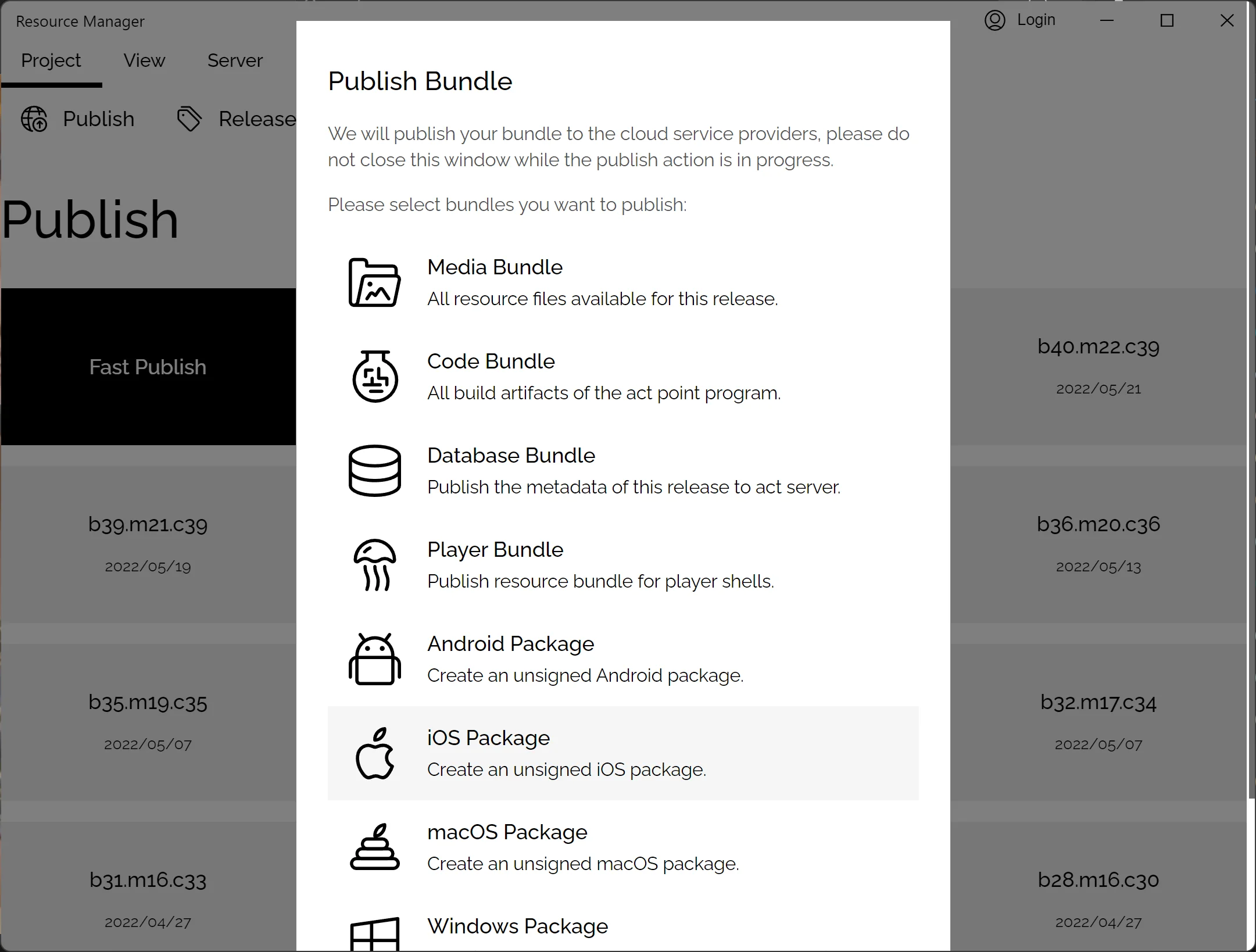
Artists replace footage and textures. Developers fix interactive programs. A release in Studio records a media version and a code version side by side, and a bundle pairs one of each. New footage can ship without a code release, and a code fix ships without uploading the footage again.
| Bundle | Media | Code | Date |
|---|---|---|---|
| 28 | 16 | 30 | 2022-04-27 |
| 31 | 16 | 33 | 2022-04-27 |
| 32 | 17 | 34 | 2022-05-07 |
| 35 | 19 | 35 | 2022-05-07 |
| 36 | 20 | 36 | 2022-05-13 |
| 39 | 21 | 39 | 2022-05-19 |
| 40 | 22 | 39 | 2022-05-21 |
The Release table in Studio.
248 bundles
The table had reached bundle 248 by the v4.0 release candidates.
241 media and 187 code versions
The two numbers drift apart over time because each side moves only when its own files change.
the step I used to do by hand
One publish produces every bundle and every installer.
Files stay on the author’s machine until they press Publish, and a small local server lets developers use them before anything is uploaded. Publishing a release then sends media, code and metadata to the content servers and builds the packages for each platform from the same bundle.
- Media bundleevery resource file in the release
- Code bundlebuild output of each interactive program
- Database bundlerelease metadata for the content server
- Player bundleresources for the player shells
- Android packageunsigned build
- iOS packageunsigned build
- macOS packageunsigned build
- Windows packageunsigned build
Working on one project as a team
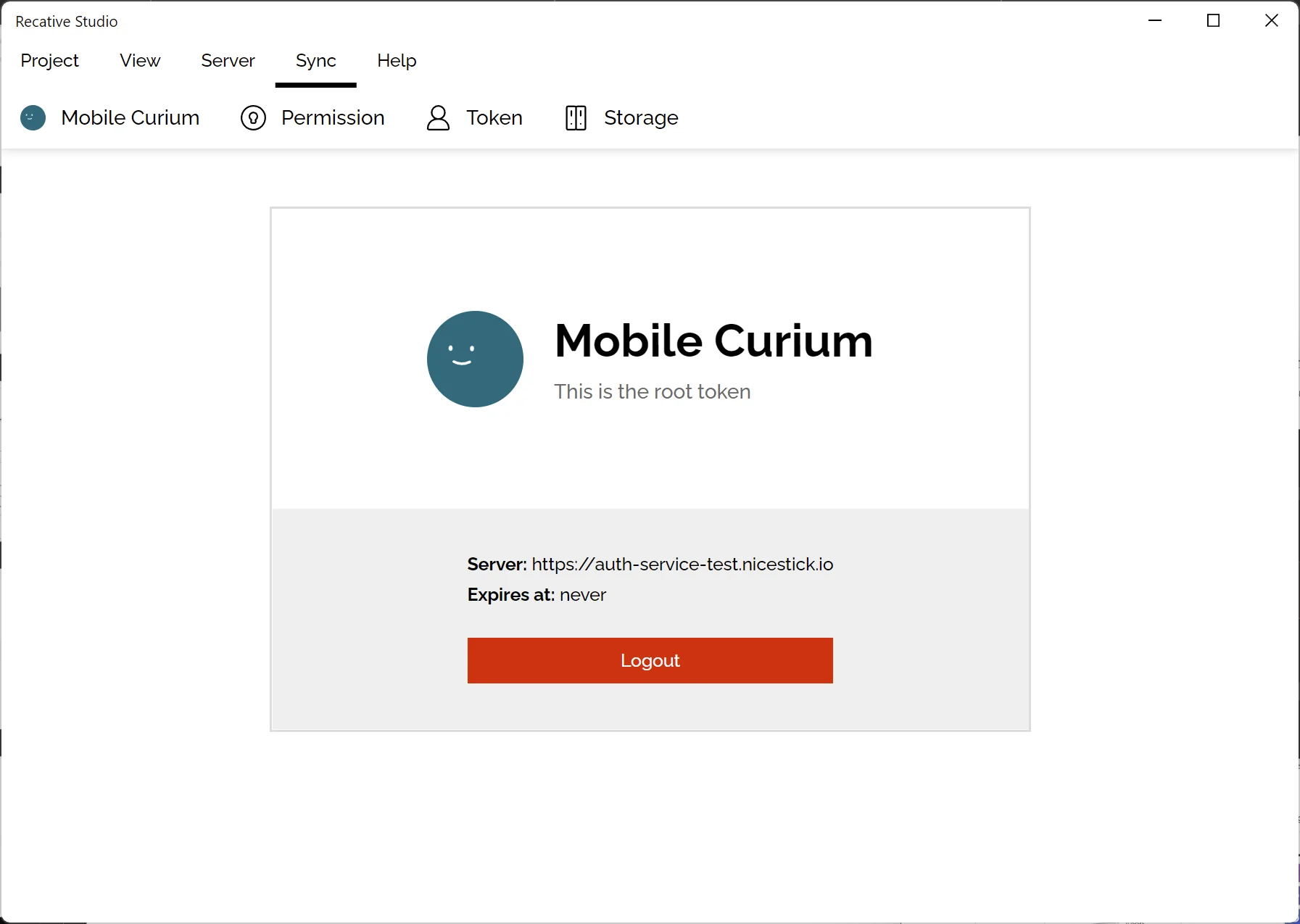
The Sync tab connects a project to a server, with a root token, per-token permissions and storage settings, so several people can work on one project. Studio was only ever used inside the team.
the market at the start
Recative aimed at the gap between slide tools and game engines.
Video platforms had tried interactivity: Netflix with branching stories, Bilibili with pop-ups and votes. Those features stay simple and follow one storyline, which leaves little room for teaching.
Tools that teachers already knew, slides and simple web pages, are easy to learn and limited in what they can show. Game engines can show anything, at a cost few education teams can pay. Subject tools such as GeoGebra sit between them and stay inside one subject. Recative was positioned for lessons that a small content team could produce, with programs that use the whole web platform.
looking back
Tools earn trust at the edges.
Building Studio forced every assumption about an intuitive interface to survive real workflows. Imports, exports and error states decided whether authors trusted it.
- Sole designer of Recative Studio, from the resource model to every screen
- Main author of the Recative system: the player packages, Studio and the publishing pipeline
- Open source in the recative organization on GitHub, later forked into the Web Media Foundation organization
- Internal use: the content and development teams were its only users
An authoring tool promises its authors that their time will not be wasted.
What I would change
- Loading player skins with evalIt made skins hot-swappable and very hard to debug.
- Never tagging a 1.0The packages depended on each other so closely that none of them felt stable enough to call finished.
- Offline caching for coursesIt was half done when work stopped.
What I would defend
- Tags and selectors for every variantLanguage and platform logic left lesson code, and new platforms became new tags.
- Separate media and code versionsArtists and developers stopped waiting on each other’s releases.
The company closed, and nobody has maintained the repositories since. The code is still public on GitHub.